
Keep the machine. Upgrade the intelligence.
Close the office with one tap — and know it's closed.
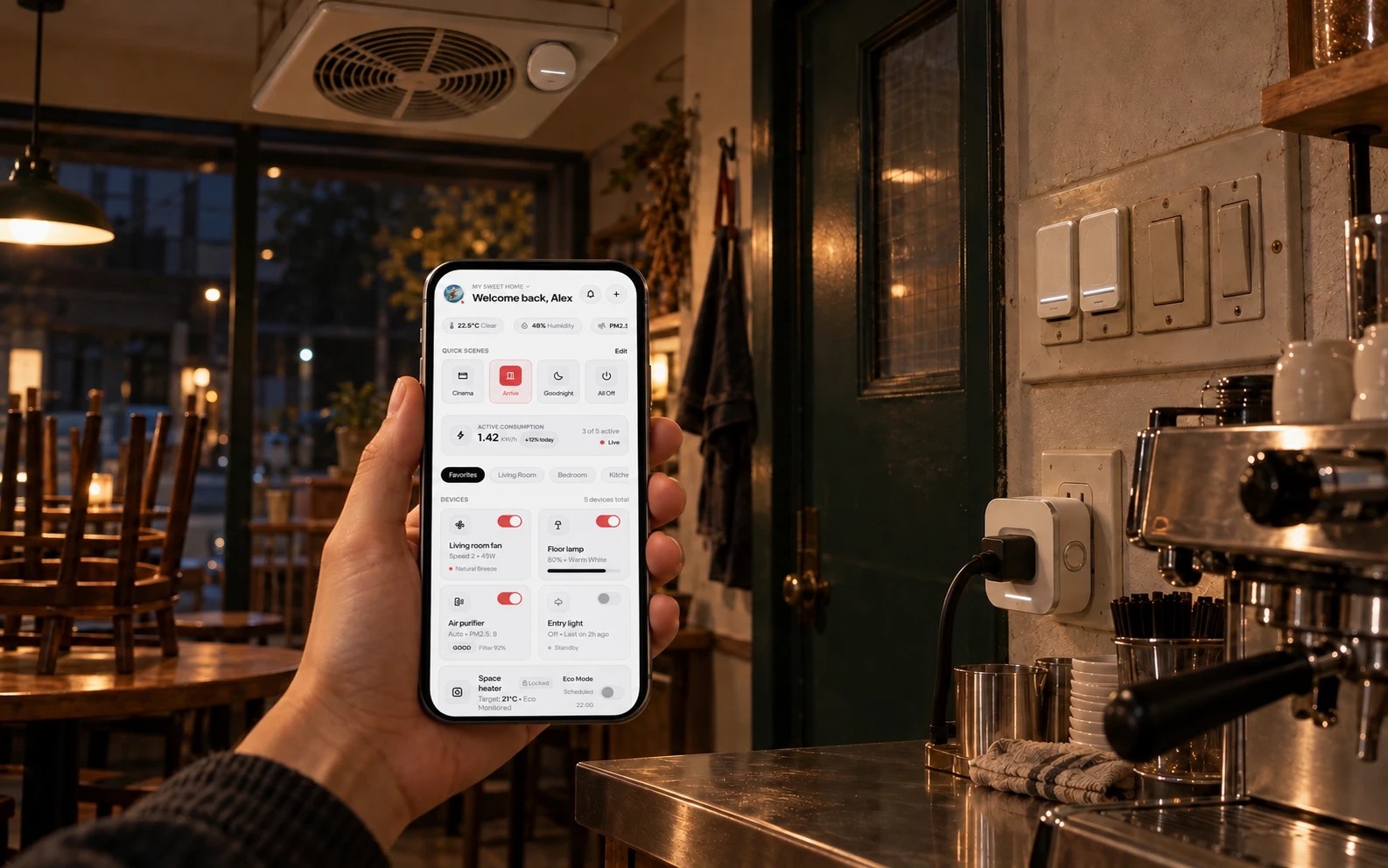 ▶ C01
▶ C01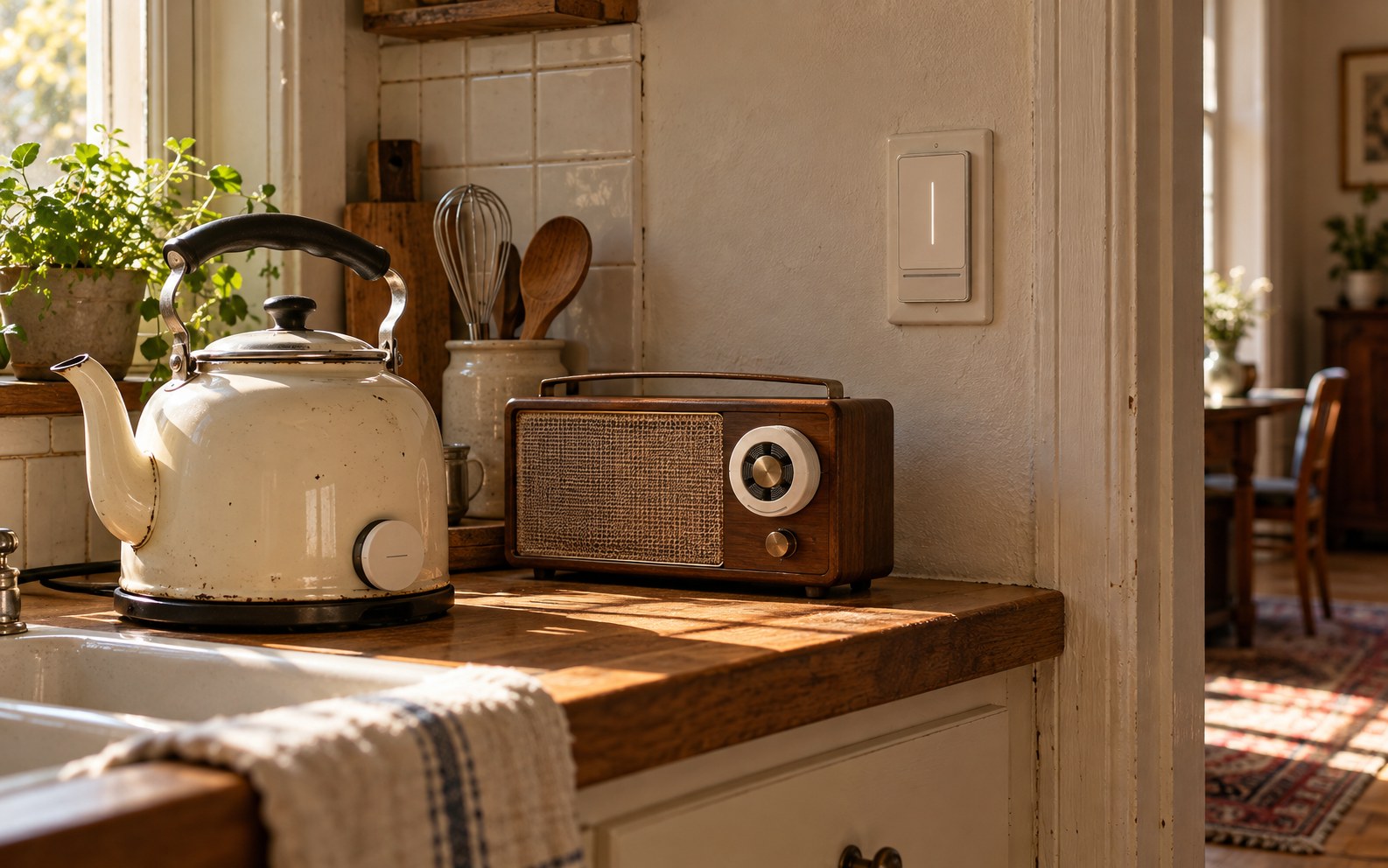 ▶ C02
▶ C02Still works. Still yours.
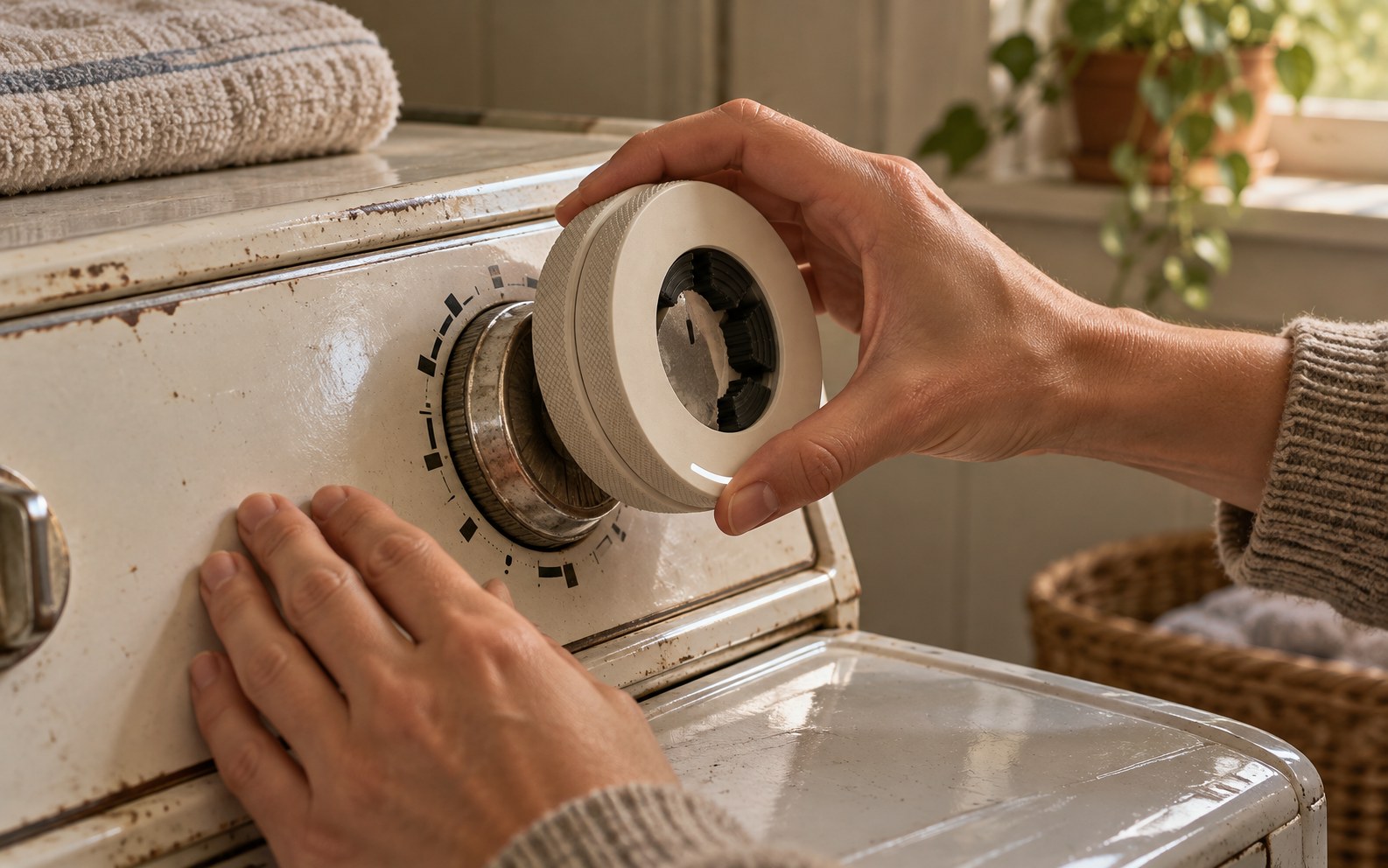 ▶ C03
▶ C03Fits what you already have.
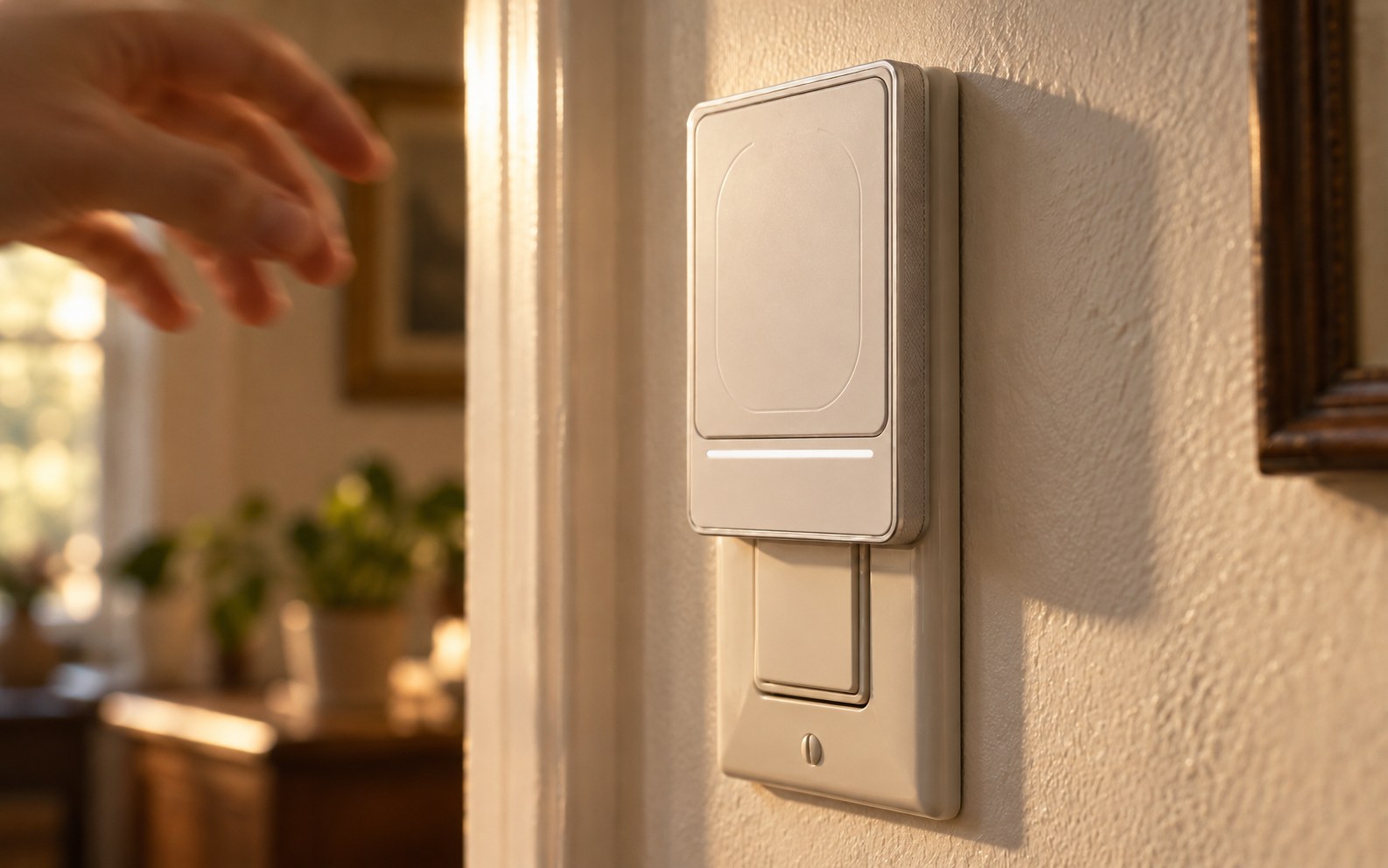 ▶ C04
▶ C04Attach. Done.
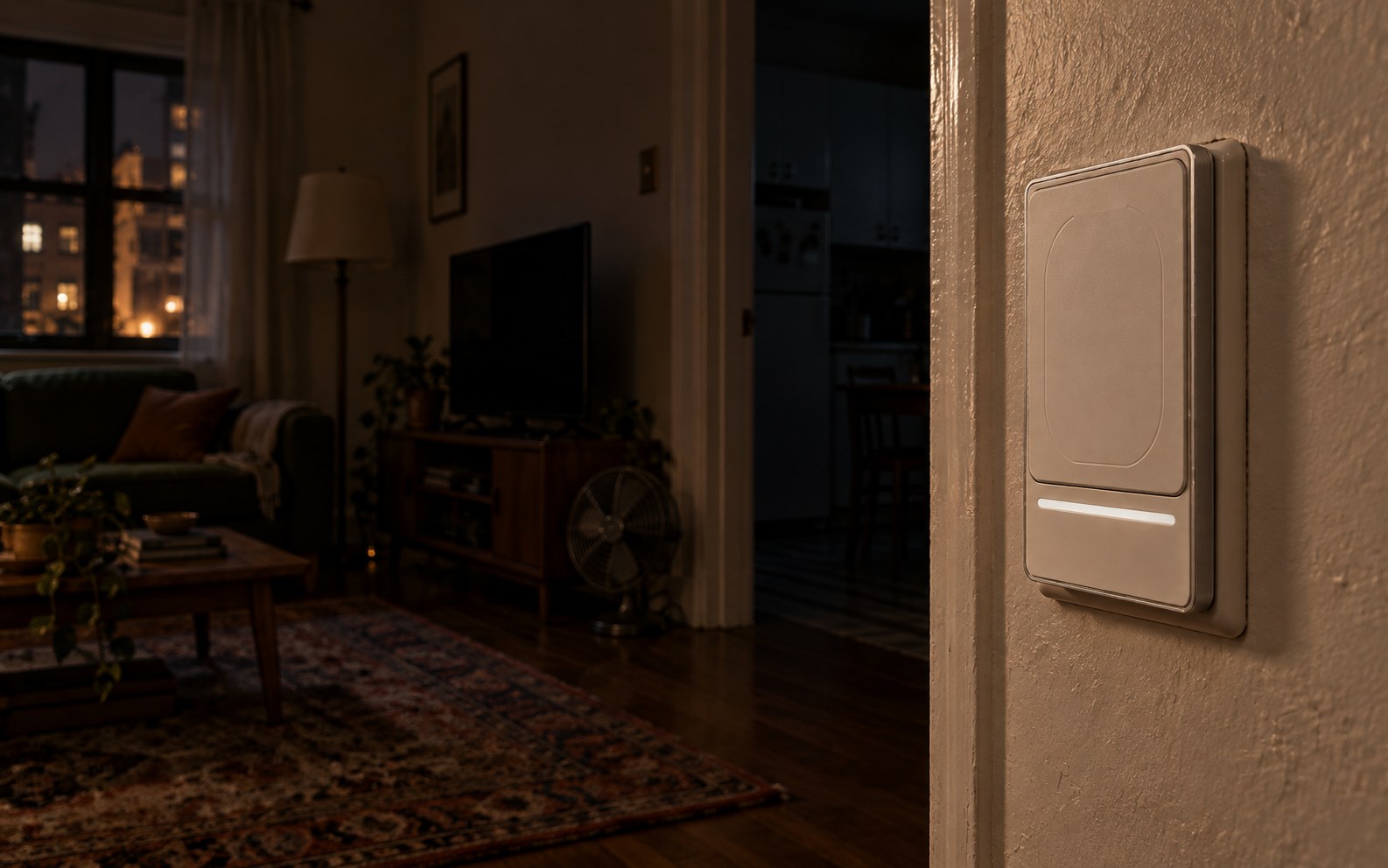 ▶ C06
▶ C06"Turn everything off." Everything did.
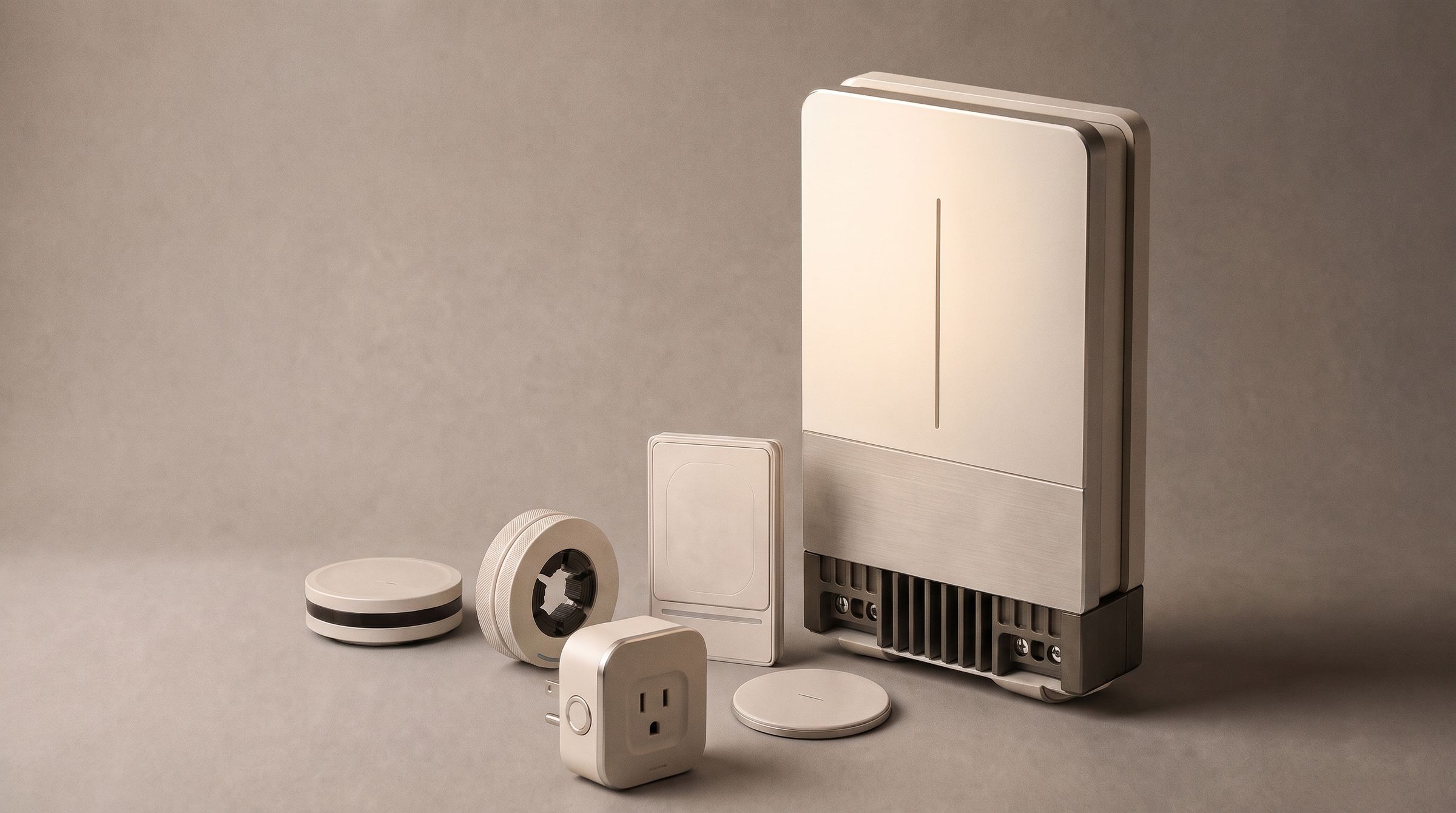 ▶ C08
▶ C08One family. One line of truth.
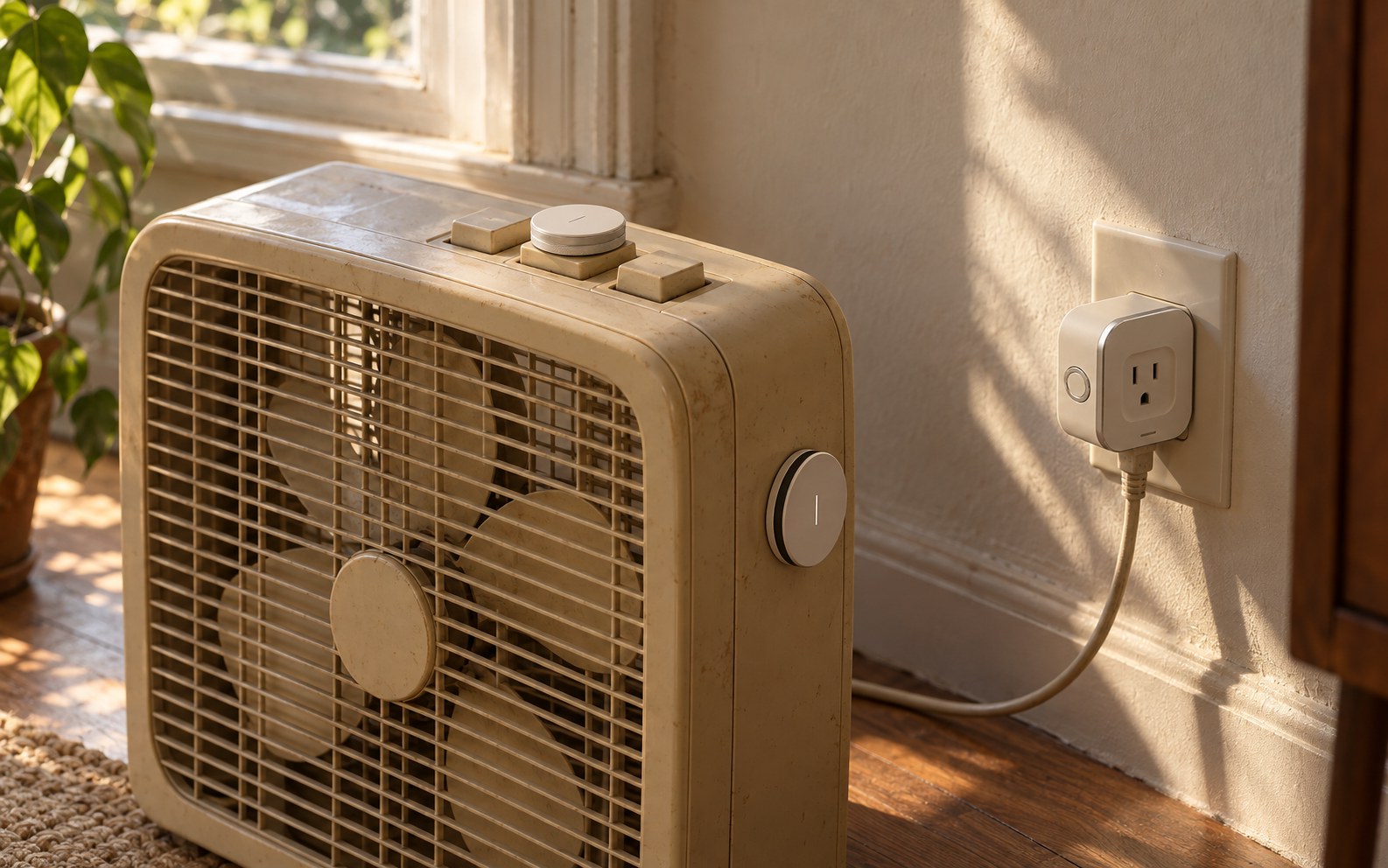 ▶ C09
▶ C09A 1998 fan, now a smart home device.
Most smart devices tell you the command was sent. Cusp tells you whether it actually happened.
Nothing to replace
You keep the equipment you already have — nothing gets replaced
It confirms, not assumes
One step at closing, and the “off” is confirmed
Still yours to touch
No staff training
Set up in minutes
Most modules go on while you stay open. Only Cusp Core, which sits beside the distribution board, needs an electrician
Works with your smart home
Every module and machine in one app·Designed for Matter
Private by design
No always-on cameras or microphones
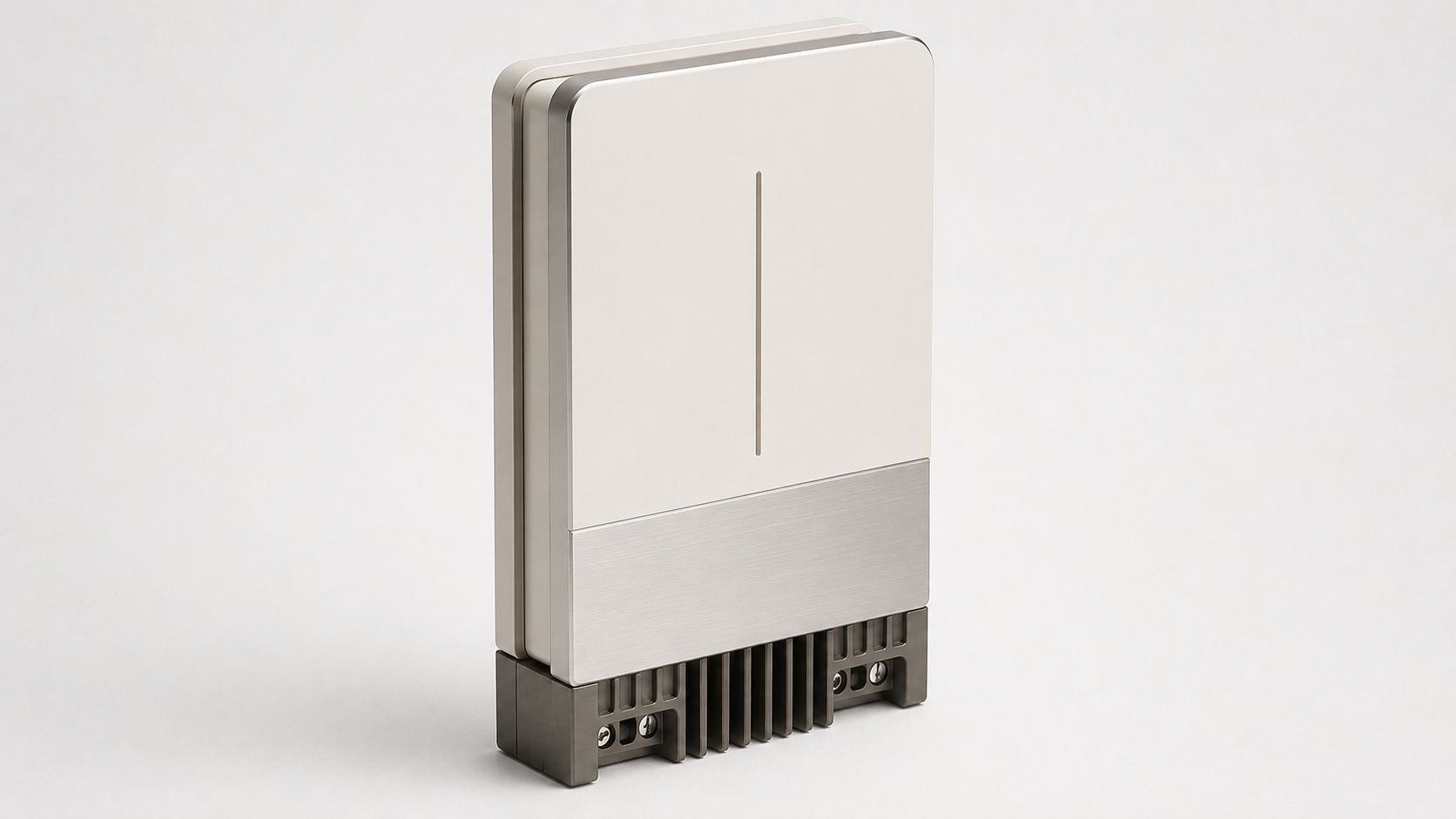
Cusp Core
The central hub that sits beside your home's electrical panel and ties the whole home together.
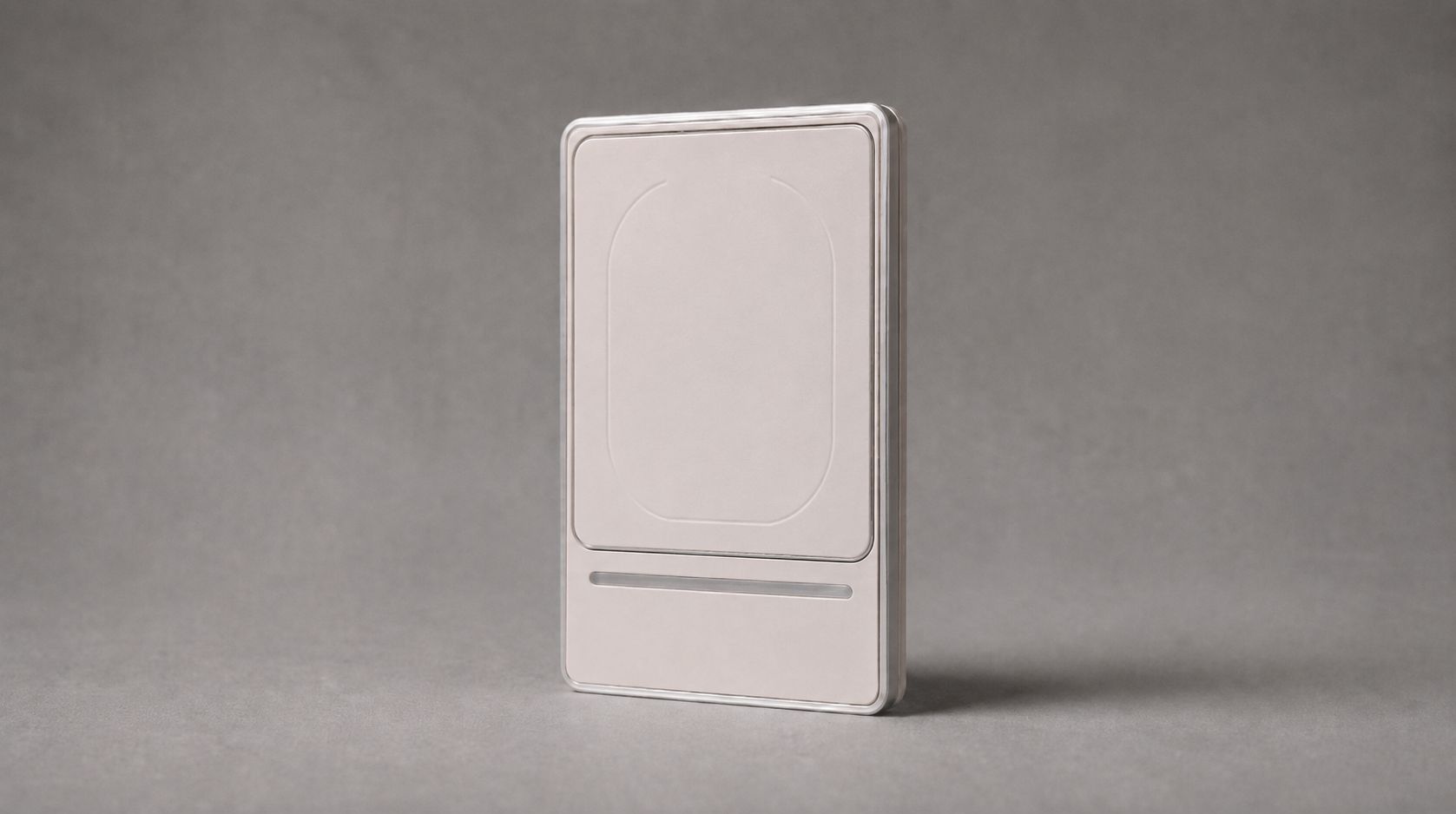
Cusp Tap
For buttons and switches you press.
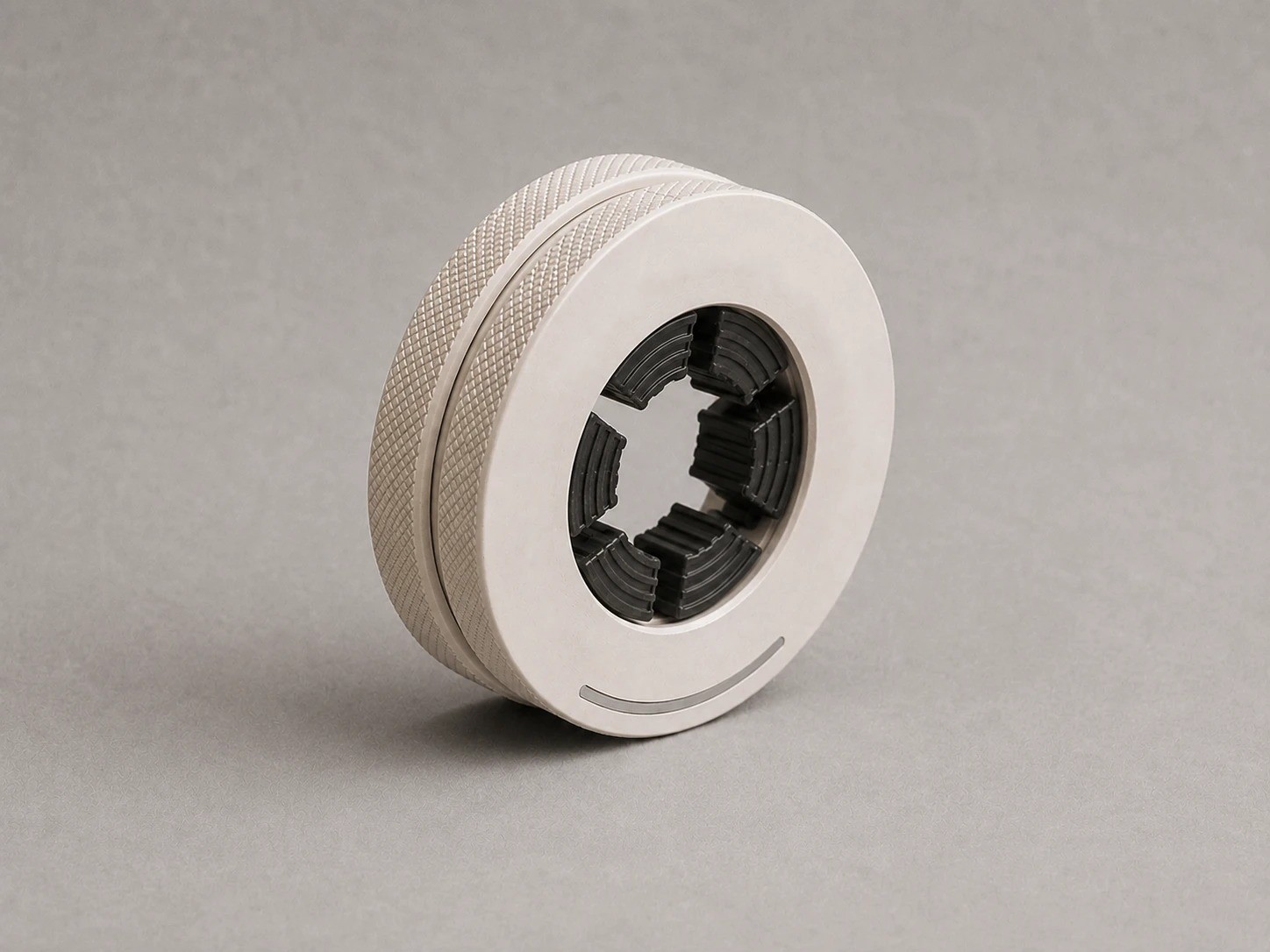
Cusp Ring
For knobs and dials you turn.
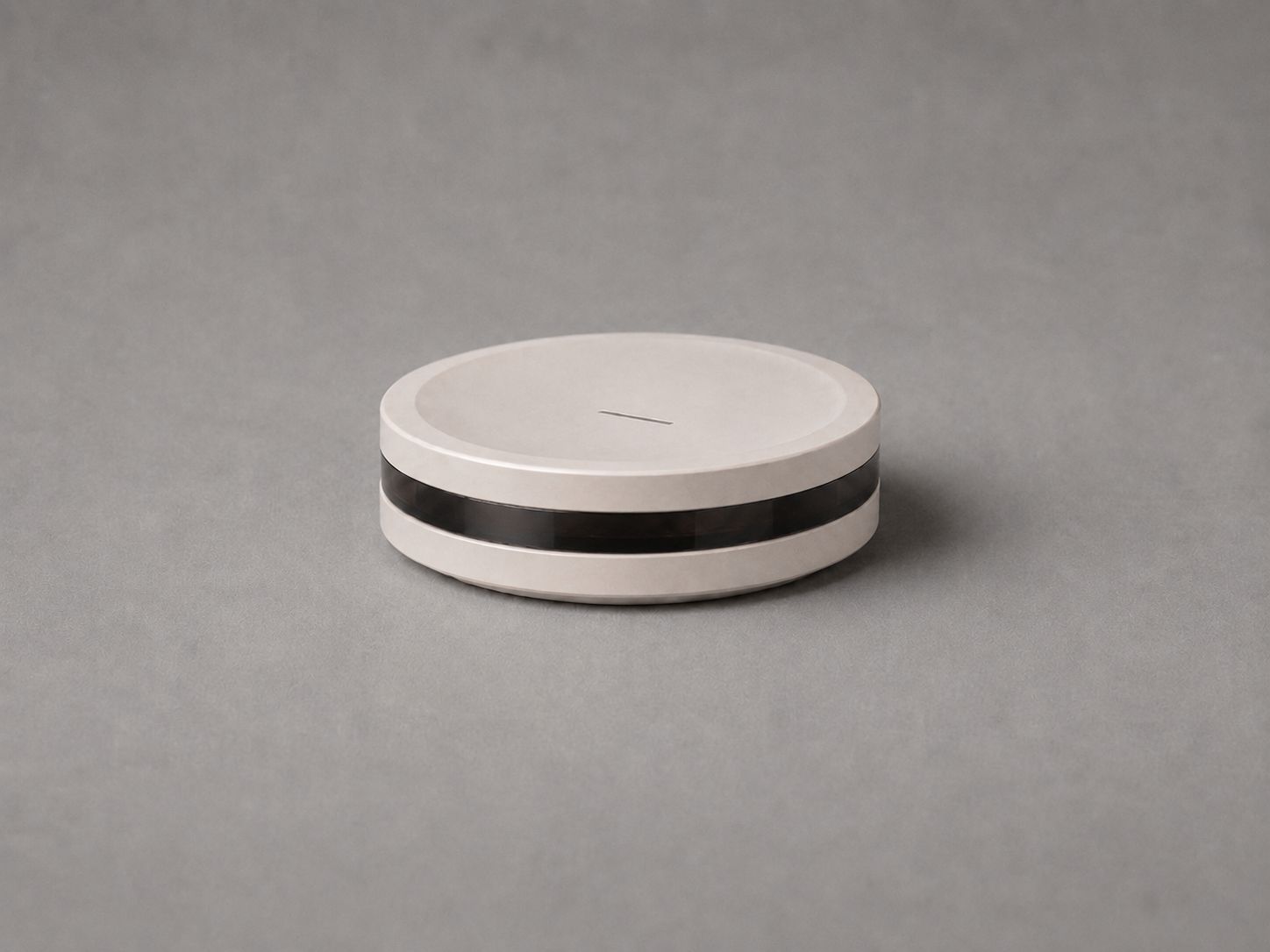
Cusp IR
For devices you used with a remote.
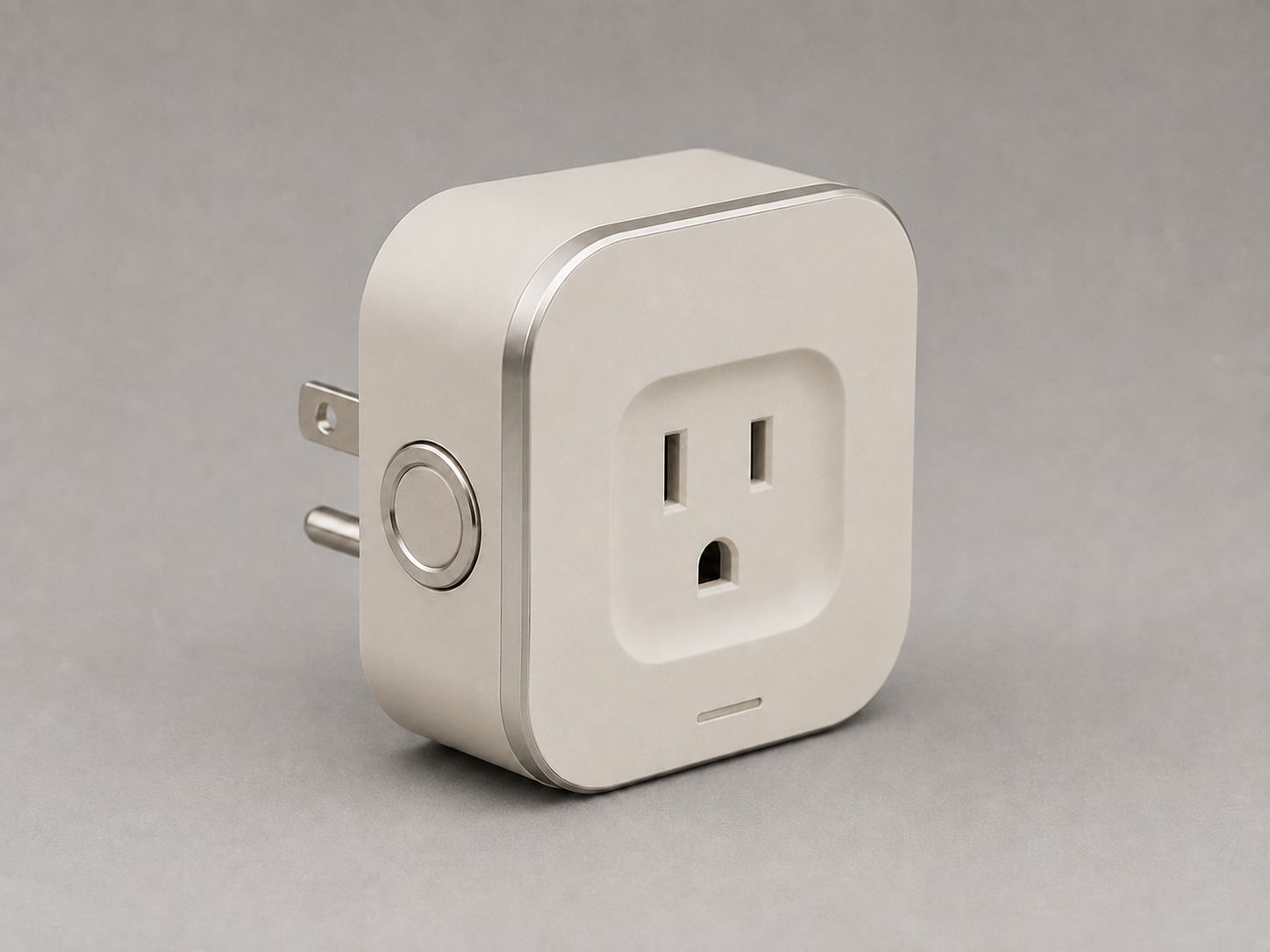
Cusp Sense Plug
For devices that plug into an outlet.
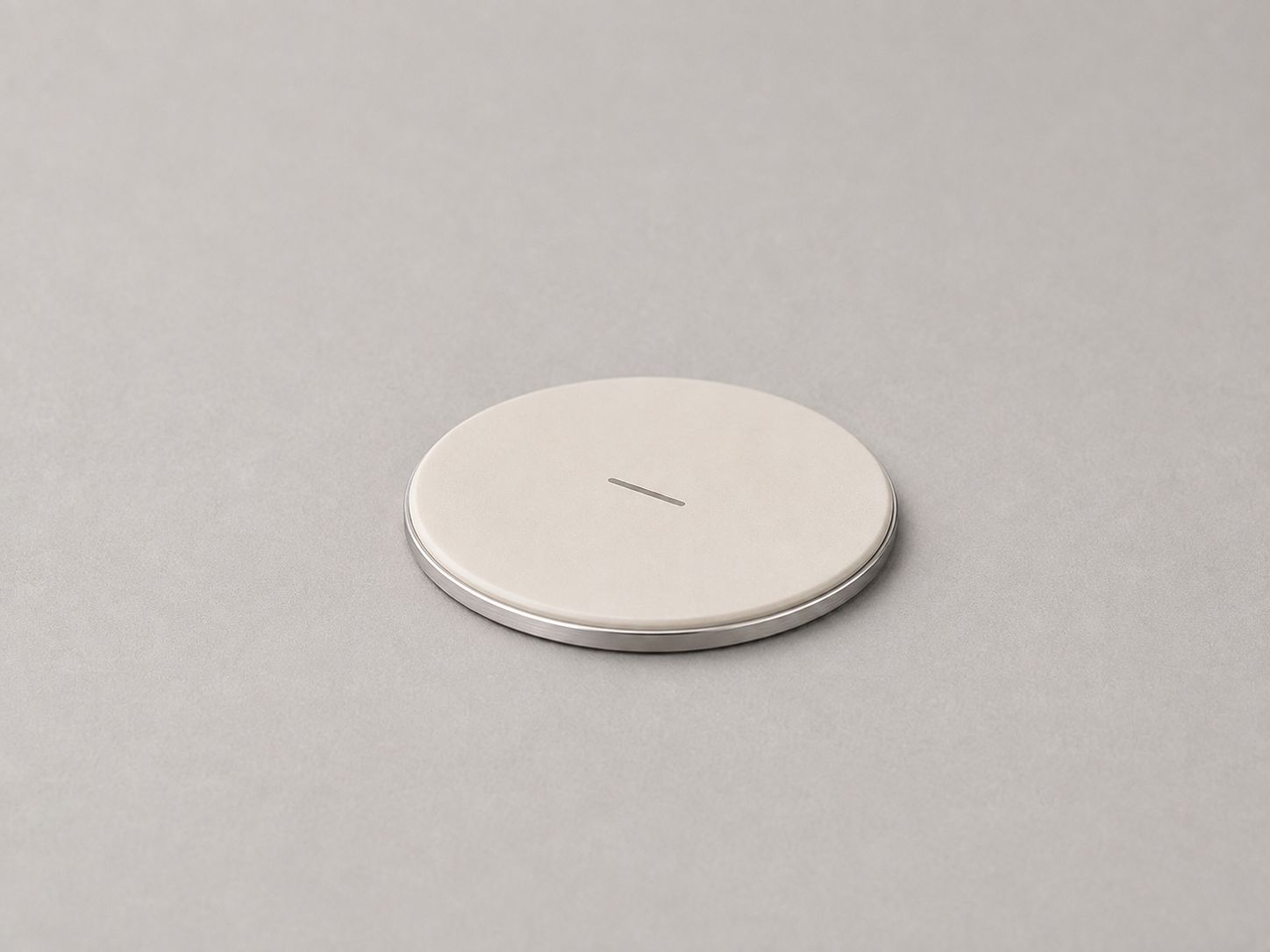
Cusp Sense Dot
The smallest module. It sticks almost anywhere.
Show it once. Cusp takes it from there.
Meet your device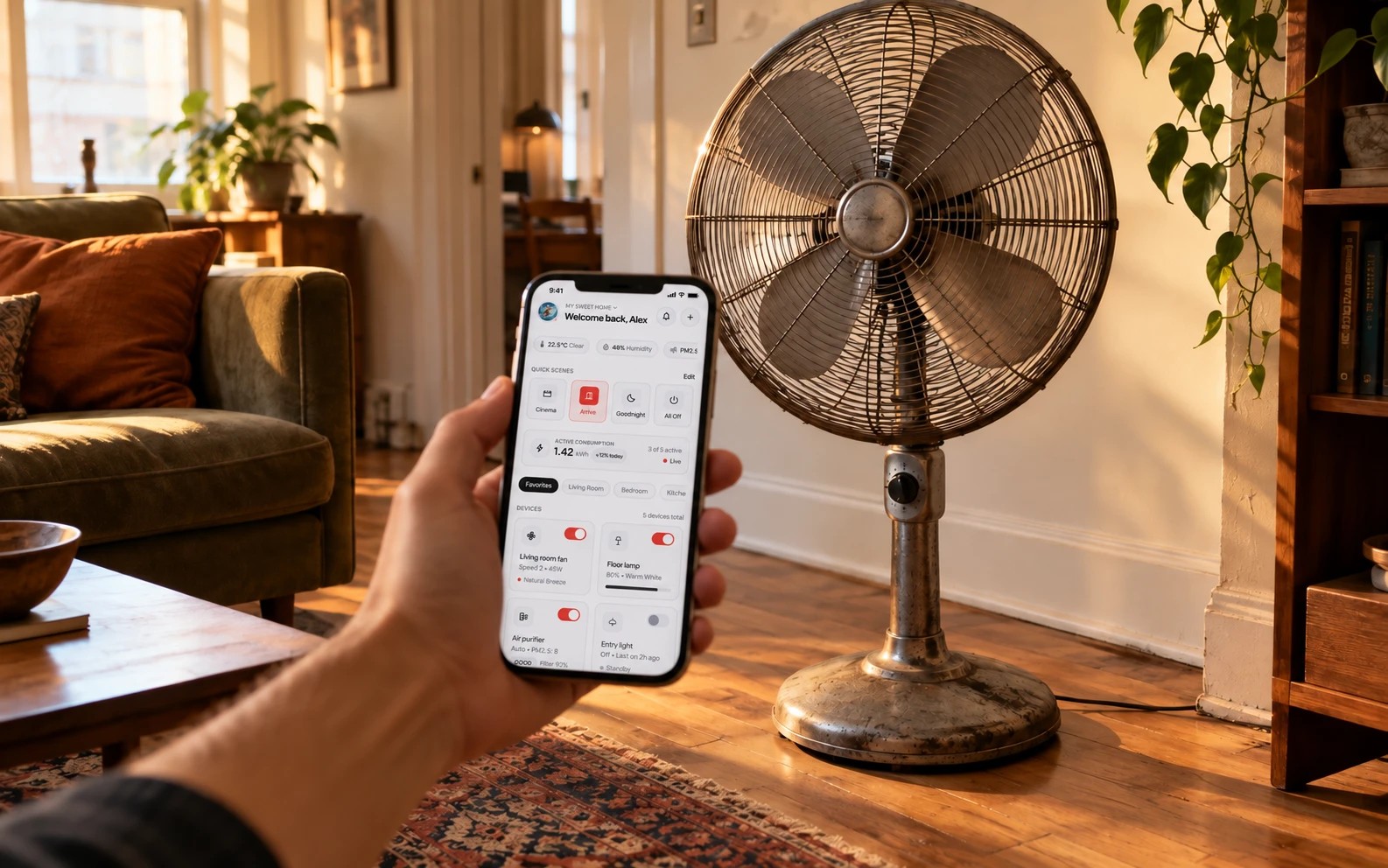
- 01
Point your phone.
- 02
Cusp recognizes the controls.
- 03
It tells you what to attach.
- 04
Attach. It lights up.
- 05
Your device gets its own app.

Closing up
Signage, blinds, fans, and sound — off in one go, and confirmed off.
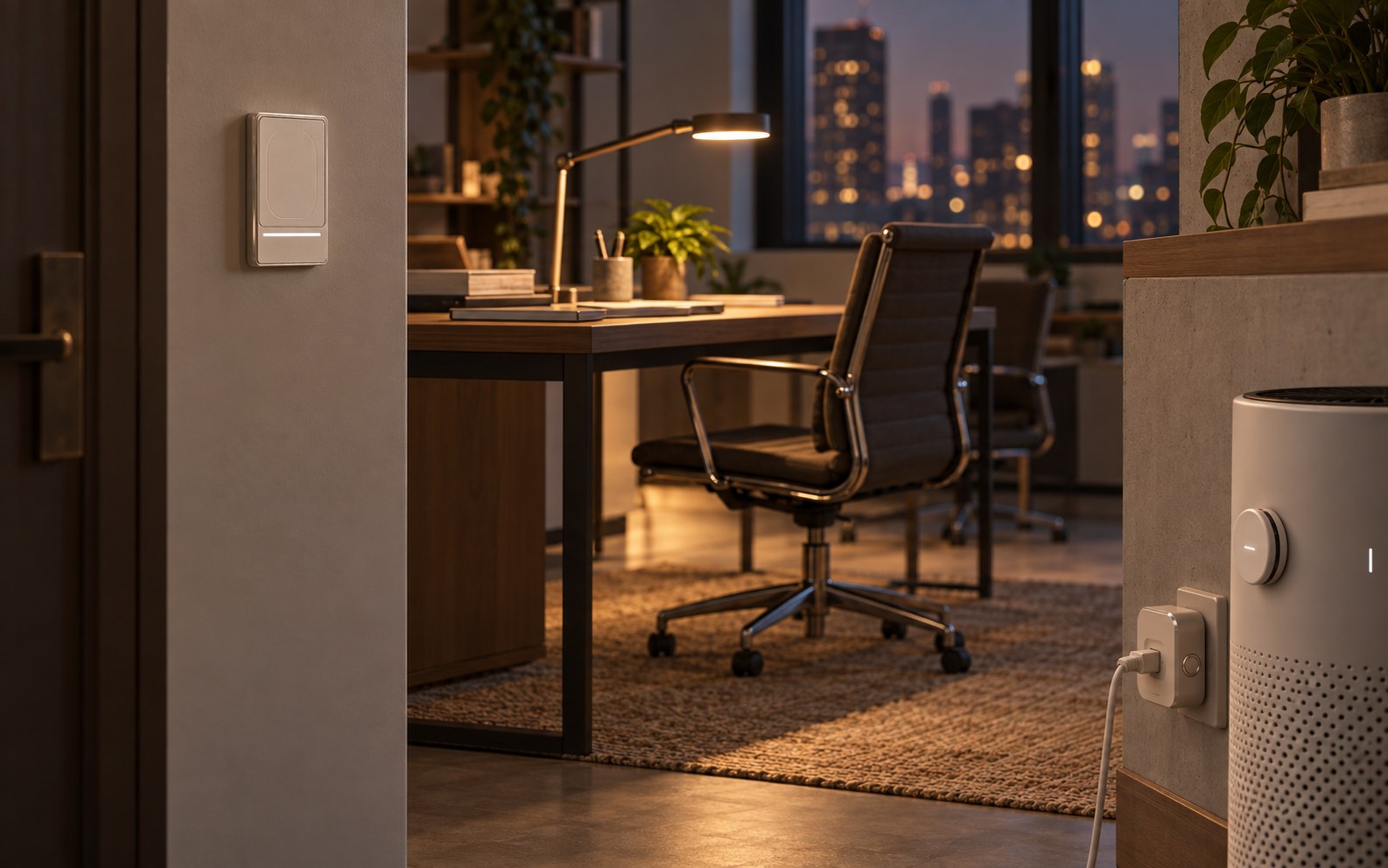
End of the day at the office
Lights, air conditioning, and meeting-room AV, all confirmed off.

Opening again
The same single step, in reverse. You can see what came on, too.
- AI recommends. Firmware decides. Hardware protects.
- Risky devices are watched, never switched.
- No always-on cameras or microphones. Processed at home.
What is Cusp?
Cusp turns the appliances you already own into smart devices that confirm they actually worked — without replacing them.
What's different about Cusp?
Most smart devices tell you the command was sent. Cusp tells you whether it actually happened.
Which devices does Cusp work with?
Most button, dial, and remote-controlled devices, starting with low-risk devices.
Can I still use my appliances by hand?
Yes. Buttons and dials still work by hand.
Does Cusp work with my smart home?
Cusp is designed for Matter.
Does Cusp use cameras or microphones?
No always-on cameras or microphones. Processing happens at home.
Does Cusp control heaters or stoves?
No. Risky devices are watched, never switched.
Is Cusp for builders and hotels too?
Yes — see Cusp for Builders, Hotels, and Business.